Multimodality
Full CAD integration and conversion between formats
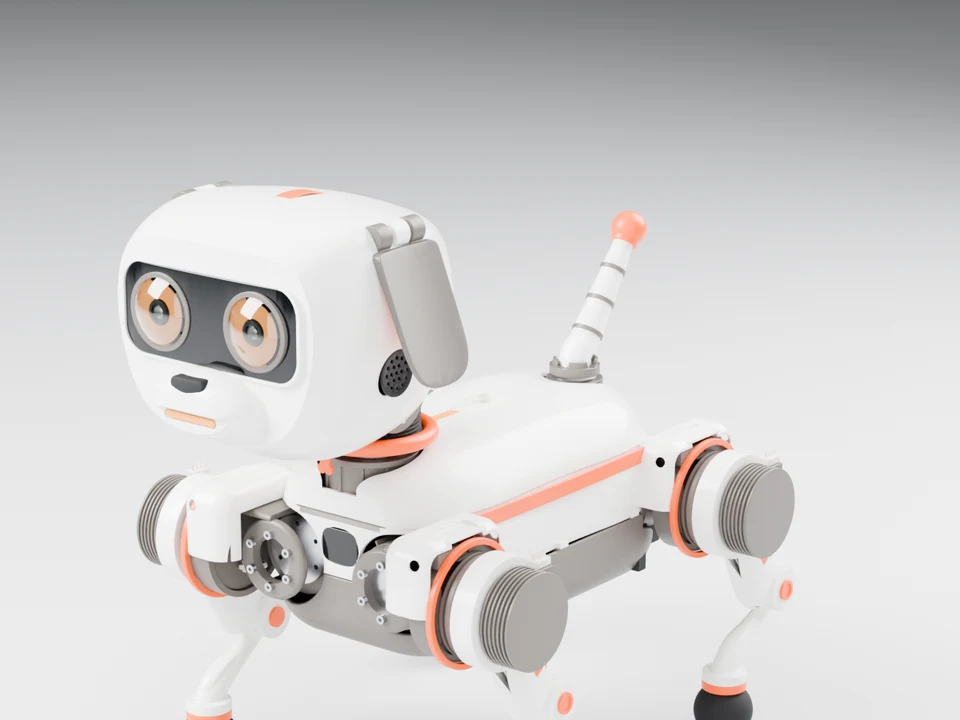
- + Text GLIM, 1.2 mm relief
- + Text Omerian Labs, 0.6 mm
- + Extrude R8 frame on sketch, 0.6 mm
- ~ Sketch power inlet x 90 → 106
Diffusion LLM
Enables fast generation and editing
World environment
Verified physics rewards for training
 Glim
World Model for Engineering
Trained in our World Environment, where agents learn to build and verify.
Made with Glim
Open a model to watch its parts come together and see how Glim connects them.
Real-world test scenes
Tour a kitchen, lounge, or supermarket in 3D. Drag to look around.

Kitchen-dinerQuartz worktop
Questions, answered.
What engineering teams and investors ask us most.
Is Glim a wrapper around ChatGPT or another LLM?
No. Glim runs on our own diffusion model, trained on a large curated set of CAD models that have been rebuilt and checked against physics. Your designs never go to a third-party model provider, and running our own model keeps the cost low.
Do I have to leave  SolidWorks or
 Onshape?
No. Glim works on the part or assembly you already have open and writes its changes back as normal, editable features in your feature tree.
How accurate is it?
Glim checks its own work before you see it. Every result is rebuilt in a real CAD kernel, its mates and overlaps are tested, and it can be run through physics and manufacturability checks. When something fails, Glim sees why and corrects it, and you can inspect every feature it made.
Which physics can Glim run?
Static and modal FEA, buckling, steady heat, DC current, mechanism motion, drop and transport tests, and fluid flow. Each study comes with a report.
What is the World environment?
It is where Glim is trained. Each design an agent proposes is rebuilt, simulated with real physics and checked for manufacture, and those verified results become the reward. You can train your own agents in it too, so they learn to make parts that can be built and survive the real world, not only parts that look right.
What is a diffusion LLM, and why use it for CAD?
It drafts a whole feature history at once and refines it over a few passes, instead of writing one token after another. That makes generation and edits fast, and keeps related features consistent.
Who is it for, and how do I try it?
Mechanical and product engineering teams who design in SolidWorks or Onshape. Book a demo, bring a part you are working on, and we will show you what Glim does with it.
Can we run it on our own servers?
Yes. For enterprise we deploy Glim on your site, in a sandbox, on your hardware, so your designs never leave your network.
Who owns the designs?
You do. Everything Glim makes is yours, in open formats such as STEP, with no lock-in.
Put Glim to work on your next design.
Bring a part you are working on. We will show you what Glim does with it.